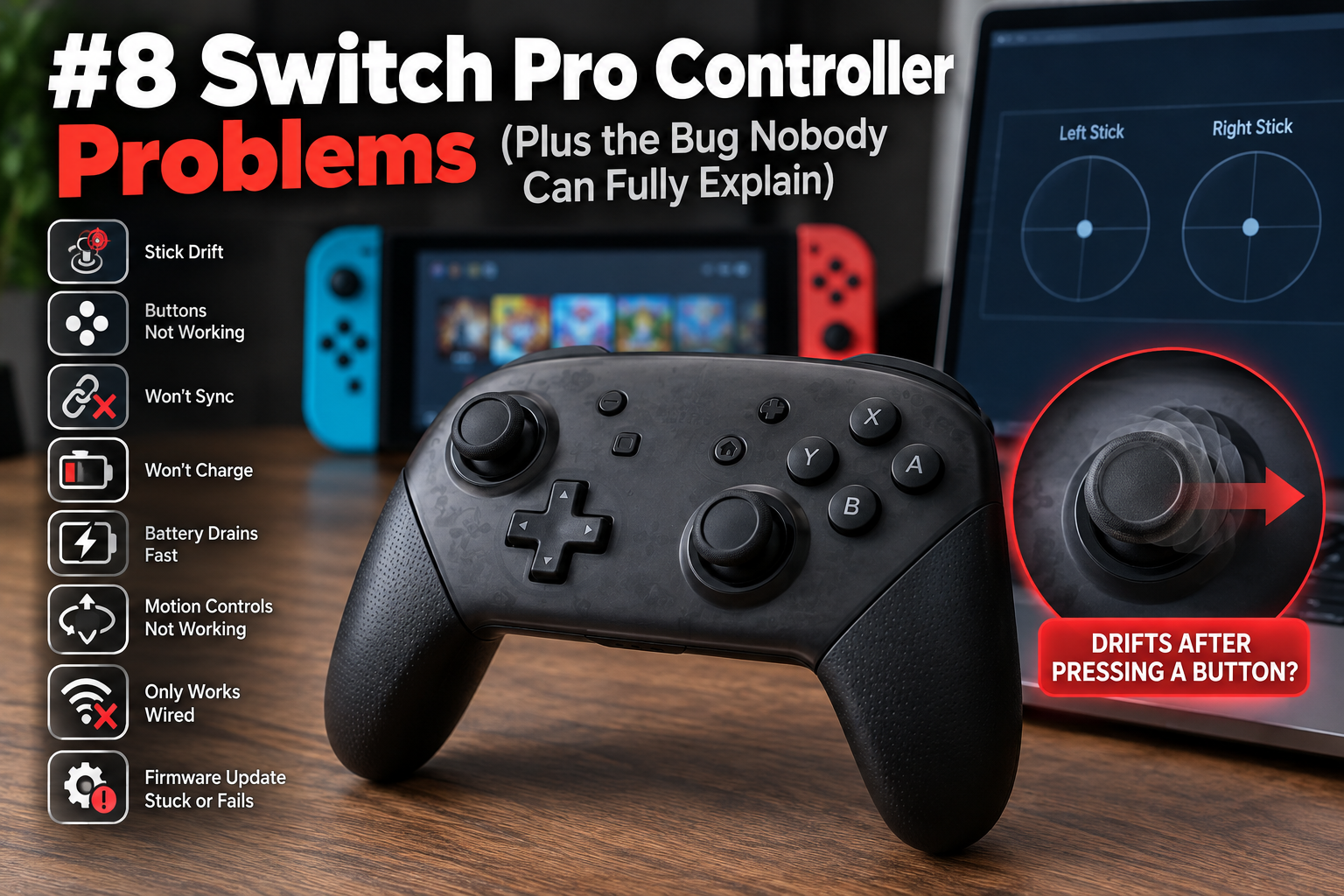
Most Switch Pro Controller issues fall into a handful of predictable buckets. A few don't, and one in particular has been quietly confusing people for six years without anyone properly writing it up. Here's the full list, roughly in order of how often people actually run into them.
1. Stick drift
The character moves on its own, or the camera creeps in one direction while the stick sits untouched. Nintendo's Pro Controller uses potentiometers with a carbon contact strip inside, and as that strip wears down over time it sheds fine carbon dust that clogs the mechanism and causes exactly this kind of erratic, semi-random movement.
It's not caused by outside dirt getting in, despite what most cleaning guides imply. It's the part itself degrading from the inside.
Recalibrating through Settings, Controllers and Sensors, Calibrate Control Sticks is worth trying first, and it does help some cases temporarily. It won't fix the underlying wear, so if drift comes back within days, cleaning the stick housing or eventually replacing it is the real path forward.
2. A button or the whole controller stops responding
Debris under a specific button, or a communication hiccup between the controller and the console, both look identical from the outside: you press something and nothing happens. Start by fully powering off the Switch (not sleep) and re-syncing the controller with the small sync button near the top. This clears a surprising number of "dead button" reports that were actually a stale connection state.
If one specific button consistently fails while everything else works fine, that's more likely physical debris or wear under that button, and it usually needs the shell opened to clean properly.
3. Won't sync or pair at all
This one is almost always either a dead battery hiding behind a battery indicator that hasn't caught up yet, or the Switch already having too many controllers registered. Charge it for a solid 15 minutes before assuming it's dead, and if pairing still fails, remove old or unused controllers from the console's controller list first. A full list can quietly block new pairing attempts.
4. Won't charge
Check the cable before anything else. A charge-only USB-C cable, which is more common with third party cables than people expect, will never show a charging indicator no matter how long it's plugged in. Swap to a known-good cable and a different port on the dock or console before assuming the controller's charging circuit has failed.
5. Battery drains faster than it used to
Lithium batteries lose capacity permanently with age and charge cycles, so a controller from a few years ago simply won't hold what it did on day one, and there isn't a setting that reverses that. What you can control: turning off HD rumble and motion controls in games that don't need them cuts a real amount of draw. Both features pull noticeably more power than a controller doing plain digital input.
6. Motion controls stop working
Usually a software level toggle issue rather than a broken gyroscope. Check that motion controls are enabled both in the specific game's settings and in the Switch's system settings. Some games silently disable it if you've turned off motion controls system wide. A full controller re-sync clears the rest of the reported cases.
7. Only works wired, not wireless
If the controller behaves normally over USB but won't connect or holds an unstable connection wirelessly, the Bluetooth pairing data itself may be corrupted rather than any hardware fault. Removing the controller entirely from the console's paired devices list and re-pairing from scratch, rather than just reconnecting, resolves this more often than a simple resync does.
8. Firmware update stuck or fails
Controller firmware updates need a stable connection and enough battery to complete, so a partial charge combined with a shaky Bluetooth connection is the most common reason an update hangs partway. Charging to at least 50 percent and keeping the controller close to the console during the update process, rather than across the room, prevents most of these failures before they start.
The bonus: stick drift that only happens after you press a button
Here's the one that doesn't fit any of the categories above, because it isn't caused by wear, dirt, or a dead connection at all.
The symptom is oddly specific. The right stick sits perfectly still. You press any button, doesn't matter which one, and the stick suddenly reports movement it isn't making, usually consistently toward one direction. Plug the same controller in with a cable and the problem disappears completely. Go back to wireless and it comes right back.
I went looking through old forum threads to see if this was one person's unusual hardware or something more widespread. It's the second one, and it's been reported for a lot longer than you'd expect.
Back in December 2018, someone using a PowerA GameCube style controller described the C stick drifting south specifically while using Steam's Big Picture controller emulation on PC, with no such issue on an actual Switch console. A year later, a completely different person reported the identical trigger condition: stick fine at rest, drift starting the moment any button gets pressed, only over Bluetooth, never over USB. One reply on that same thread mentioned it happening across four separate Switch controllers and multiple PS4 controllers, all connected the same wireless way.
By May 2020, someone traced a sudden worsening of the same pattern to a Bluetooth adapter's antenna cable running too close to their other desk cables, and fixing the physical cable routing measurably calmed it down. A more recent report describes the exact same conditions almost point for point: fine wired, drifts wireless, only after a button press.
Four unrelated people, five years apart, describing the same narrow trigger condition. That's not four broken controllers.
The likely explanation is something in how Steam's input layer, or Windows itself, recalibrates a stick's reported center point during a wireless handshake, and a button press is enough to set that recalibration off mid session.
A wired connection never goes through that same renegotiation, which is exactly why testing wired always comes back clean in every account of this.
If you want to check whether this is what you're actually dealing with rather than ordinary wear, watch the raw stick reading on our Switch Pro Controller test while sitting completely still and then pressing a button. Ordinary wear related drift won't care whether you've pressed anything. This bug very specifically does.
Neither Nintendo nor Valve has ever officially named this as a known issue. It just keeps getting independently rediscovered by people who reasonably assume their controller has failed, when in most of these cases it hadn't.