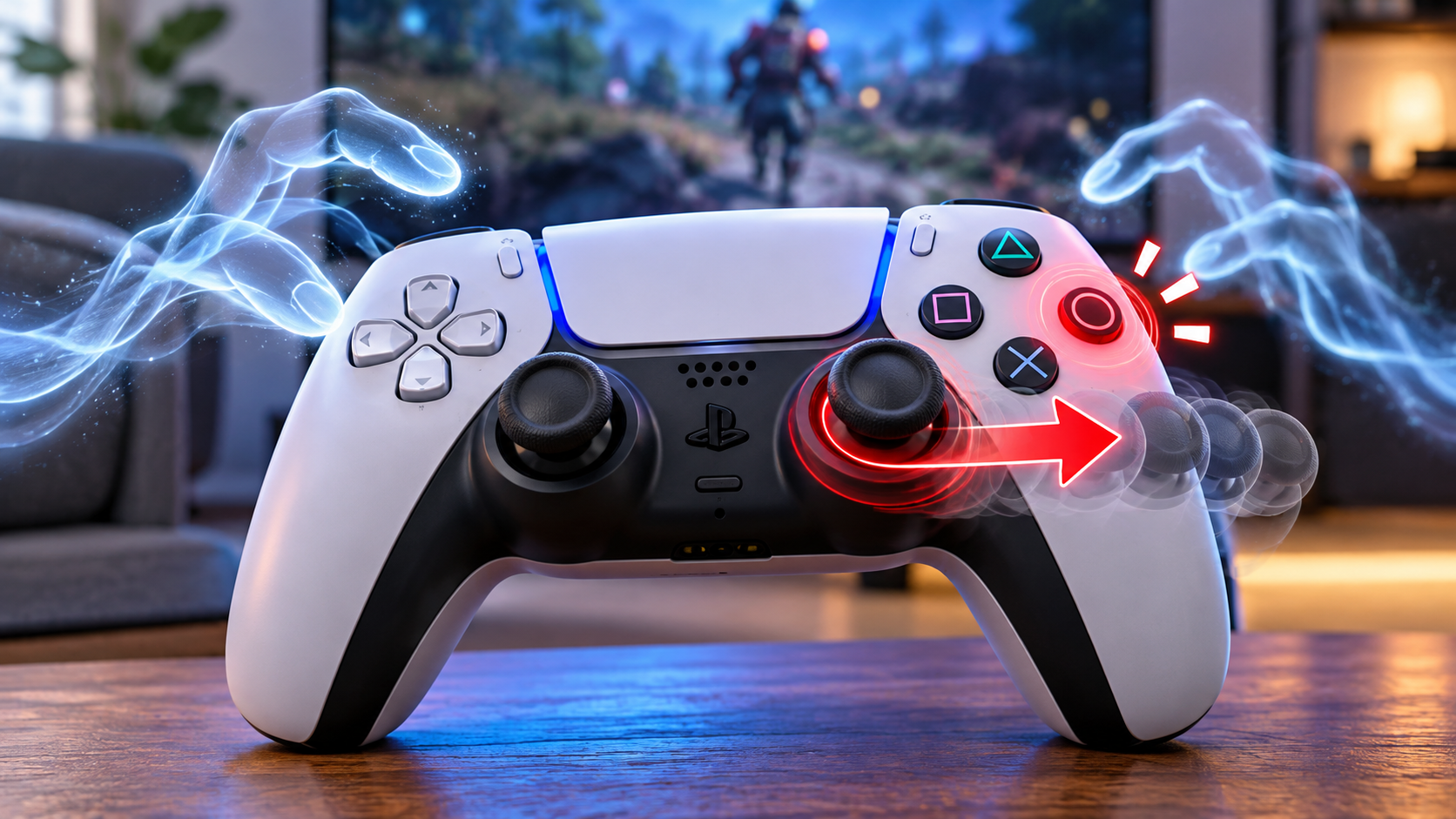
Character walked forward on its own. Wasn't touching the stick.
Let go completely, hands nowhere near it, and it kept drifting right like something was leaning on it. First instinct was to check if anything was resting on the couch near the controller.
Nothing there. Just a controller doing things I wasn't asking it to do, and a very unhelpful amount of nothing when I searched for why.
Turns out this isn't one problem. It's at least four, and they don't share a fix. That's exactly why searching "controller ghost input fix" gets you a pile of advice that half-works for some people and does nothing for everyone else, because everyone's describing a different underlying thing using the same words.
the boring one, which is also the most common one
Contamination under a button is the least interesting explanation and also the one responsible for most cases. Dust, skin oil, the occasional chip fragment, working its way under a face button or into the stick's base until it's making light, intermittent contact even when nothing's pressing it.
Compressed air first, held a few inches back, blasted into the seams. If that doesn't clear it, isopropyl alcohol at 90% or higher on a barely-damp cotton swab, worked around the button's seam while holding the button down to expose the part normally hidden under its travel, then pressing it repeatedly while the alcohol's still wet.
Let it sit fifteen minutes before powering back on. Most contamination clears in one pass, the stubborn ones in two.
Skip anything with WD-40 or similar lubricant. It feels like it should help and does the opposite, attracting more dust and turning a five-minute fix into a recurring one within weeks.
the one that isn't the controller's fault at all
Found a Microsoft support thread where someone described their Xbox controller creating a phantom rightward pull on the Windows cursor the moment it got unplugged, persisting until a full restart.
Not a game issue. Not the controller. A Windows driver quirk that leaves a ghost input source registered after the physical device disconnects.
If the weirdness only shows up around plugging or unplugging, or affects your mouse cursor and not just in-game input, this is worth ruling out before touching the hardware at all.
the one that's actually two controllers arguing
A Death Stranding discussion from a few years back had multiple people reporting the same ghost input, and the fix that worked for them had nothing to do with cleaning anything: turn the controller on only once you're already at the title screen, not before. Whatever's happening during the game's own startup detection window was grabbing a stray signal and holding onto it.
Related but separate: if a second controller, even one just sitting nearby and powered on, is still connected, a console or PC can read input from both simultaneously. A stuck or lightly-pressed button on a controller you're not even holding can look exactly like your main one misbehaving.
Worth checking there's only one active connection before assuming anything's broken.
the one specific to Steam, and it's almost funny how specific
A Mac user's Steam Community post from 2022 walked through this one in detail: Steam was detecting phantom Xbox controllers stacked on top of a real one, making the actual controller nearly unusable.
Their fix, which several people confirmed worked afterward: open Steam's controller settings, untick Xbox Configuration Support, let the phantom entries clear, close it, reopen the same settings, and re-enable it. The phantom copies don't come back, at least not right away.
On the input-method side, there's a related but distinct issue. Someone troubleshooting Jazz Jackrabbit 2 through Steam found their controller sending a permanently-held "up" input despite explicitly setting Steam Input to Forced Off in Big Picture Mode, because Steam was ignoring that setting and sending XInput to the game regardless of what DInput setting the game expected.
Their workaround was reconfiguring the Steam controller layout to mouse-and-keyboard mode for that specific game rather than relying on the Forced Off toggle actually working.
None of this is obvious from inside the game itself. It looks identical to a dying controller from the player's seat.
confirming which one you actually have
Guessing wastes time. The contamination fix does nothing for a Windows driver quirk, and the Steam workaround does nothing for actual dirt in a button.
Before doing anything else, check the raw input on our gamepad mapping test with the controller sitting untouched. If a button or axis shows activity with your hands completely off it, that confirms ghost input rather than something misread during a match.
Note which input misbehaves and whether it happens constantly or only around certain moments (unplugging, startup, a second device connecting). That detail points directly at which of the four causes above is the real one.
I still don't know which one mine was, for what it's worth. Cleaned it, the drifting stopped, and I never went back to test whether it would've stopped on its own from one of the software causes instead. Should have. Didn't.