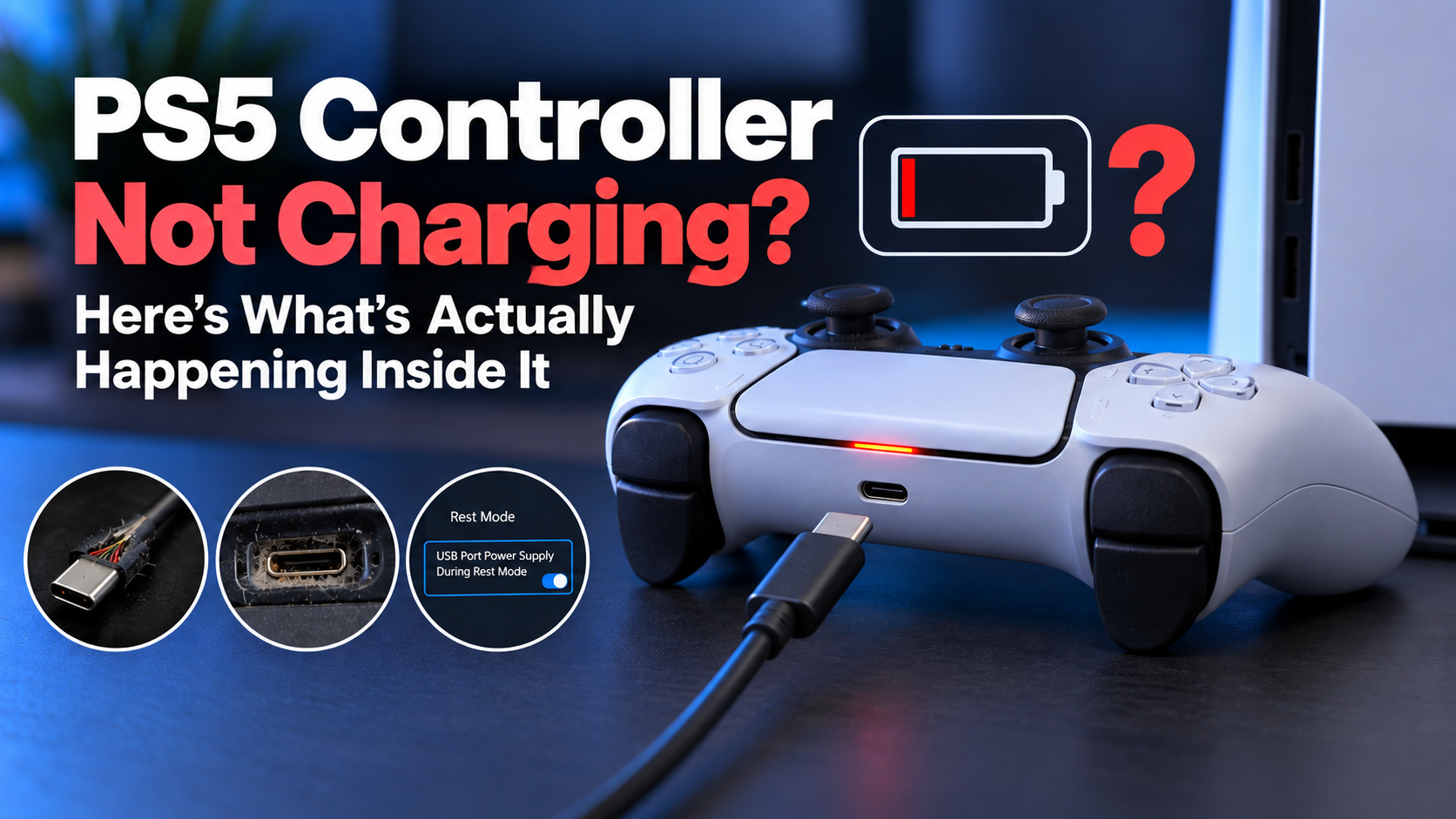
The light bar stays dead no matter how long it sits plugged in, and every guide tells you to check the cable. Most of the time that's correct, but almost nobody explains why a bad cable causes a total charging failure instead of just a slow charge. Once you understand that part, the rest of the troubleshooting actually makes sense instead of feeling like a random checklist.
Why it fails completely instead of just charging slowly
A DualSense doesn't just accept power the moment a cable touches it. When you plug it in, the controller and the console run through a quick digital handshake first, the controller requests a specific voltage and current, and only starts drawing power once that request gets confirmed.
If the cable is damaged, the port is dirty, or something in the connection is inconsistent, that handshake fails, and the controller's own safety circuitry refuses to draw power at all rather than risk pulling an unpredictable current.
That's the part most guides skip. It's not that a bad cable charges the controller poorly, it's that a bad cable often stops it from charging at all, because the controller would rather stay dead than take a risk on bad power.
Start here: it's almost always the cable or the port
Test with a different USB-C cable first, ideally one you know works with something else. A surprising number of cables handle power but not data, or vice versa, and the DualSense needs both to complete that handshake properly. If a second cable fixes it immediately, that was the entire problem.
If the new cable doesn't help, try a different USB port on the console. The PS5 has four total, two USB-A and one USB-C on the front, plus more on the back depending on the model. A single port going bad is more common than people expect and easy to rule out in under a minute.
Front ports and back ports on the console aren't always wired identically either, so a port that fails at the front is worth testing again at the back before ruling out the console entirely.
Check the port itself for lint or dust while you're at it. If the cable doesn't sit flush or feels like it's going in at a slight angle, that's usually debris, not damage. A blast of compressed air or a wooden toothpick worked gently around the edge clears most of it. Skip anything metal. That risks shorting something inside the port rather than just clearing dust.
Charges from the wall but not from the console
This narrows things down fast. If a phone charger or a PC's USB port charges it fine but the PS5 itself won't, the problem is on the console's side specifically, not the controller. That usually means one of the console's USB ports has failed, or the console is in a state where it's not sending power correctly, which a restart often clears.
It's plugged in, but you walked away and it's still dead
This one catches people constantly and it's not a hardware problem at all. If the PS5 is in Rest Mode, by default it stops supplying power to USB ports about ten seconds after you leave, unless a specific setting is enabled first.
Go to Settings, System, Power Saving, and check that USB port power supply during rest mode is turned on. Without that, plugging in the controller and walking away overnight does nothing, the console simply cuts power almost immediately after you're gone.
Try a reset before assuming it's hardware
A software-level reset clears a surprising number of charging failures that look like hardware problems. There's a small recessed button on the back of the controller, and it's worth being specific here because a few guides describe the wrong spot: it sits in a small hole near the Sony logo on the back panel, not between the trigger buttons like some articles claim.
Straighten a paperclip, press it in until you feel a click, hold for about five seconds, then plug the controller into the console with USB-C and press the PS button. It should pair and start charging within about ten seconds if the issue was a stuck internal state rather than anything physical.
A charging dock skips most of this entirely
If you've been through the cable, the port, and the reset and you're getting tired of troubleshooting the console side every time, a DualSense charging dock sidesteps the whole USB-C handshake conversation.
Most docks use the controller's bottom charging contacts instead of the USB-C port, so a flaky console port or a marginal cable stops being a factor at all. It won't fix a genuinely dead battery or a failed charging IC, but it does remove two of the most common failure points permanently, which is worth it if this keeps happening every few weeks rather than being a one-time fluke.
If none of this works
At this point you're likely looking at either a genuinely dead battery or a failed charging IC on the controller's internal board, and neither is something a cable swap or a reset fixes. If the controller charged fine for a long time and only recently stopped no matter what you try, that's more consistent with the charging circuitry itself failing rather than a cable or port issue you haven't found yet.
Replacing the battery is a realistic DIY option if you're comfortable with small screws, generally under thirty minutes with the right screwdrivers. A dead charging IC is a harder repair and usually means sending it to a repair shop or accepting the controller's run is over.
There's no clean workaround for that one, and it's better to know that early than keep swapping cables for another two weeks hoping something changes.