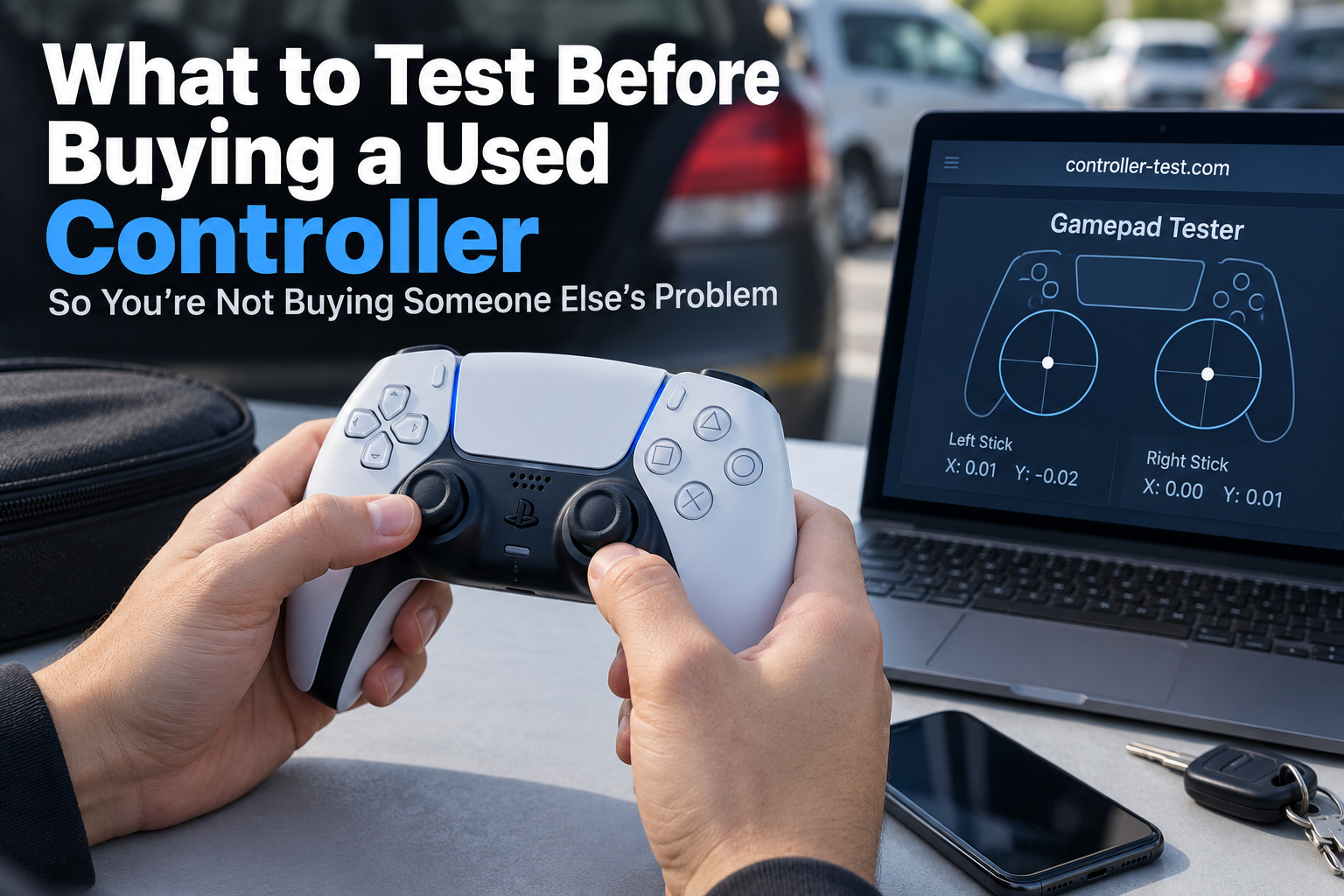
Met a guy in a Target parking lot last month to buy a DualSense off Facebook Marketplace. $25, looked mint in the photos, seller seemed normal. Took me four minutes standing next to his car to find out the right stick reported movement the second I let go of it. He genuinely had no idea. Knocked ten bucks off on the spot and he was fine with it, he just hadn't thought to check.
That's the thing about used controllers. They almost never look broken. The stick that's a week from drifting, the trigger with a hairline crack near the pivot, the Bluetooth chip that's already flaky, none of it shows up in a photo or a thirty-second glance. Here's what actually catches it, with real numbers instead of "test the buttons and see how it feels."
Before you even show up: ask what it was used for. Two years of daily Warzone is a completely different wear pattern than a controller that sat in a drawer. Ask if it's ever been opened. And ask for a video, not photos, of the sticks moving through their full range. A five second clip kills drift the same way it killed it for me in that parking lot, except you get to see it before you've driven anywhere.
The stick check is the one that matters most
Connect it, don't touch anything, and watch the reported position. Under about 0.05 on either axis, that's fine, don't think about it again. Between 0.05 and 0.15 is early drift, exactly the kind that guy's controller had, subtle enough that regular play hides it. Above 0.15 you'd feel it in any game with a camera or aim, full stop, and that's a price drop or a walk-away, not a maybe.
Our stick drift test gives you the actual number instead of a vibe. While you're there, trace a slow full circle with each stick too. A clean circle is healthy. A lopsided oval means uneven wear, usually from whatever game the previous owner played obsessively, and lopsided wear gets worse faster than the symmetric kind.
Buttons, one at a time, not all at once
Mashing everything together hides a sticking button behind nine fine ones. Press each face button, bumper, and D-pad direction on its own, first press, not the second or third try.
Triggers get the slow treatment specifically. A fast squeeze can feel completely normal on plastic that's already cracked near the pivot, and only shows itself as a catch or a grind when you pull slowly. On PS5 controllers, actually feel for the adaptive resistance changing. A dying trigger motor can still let the trigger travel its full range while doing nothing underneath.
Don't just confirm it connects. Sit with it.
Thirty seconds of "yep, it's paired" tells you almost nothing about a wireless module that's starting to fail. Leave it connected for a solid ten minutes, pressing buttons occasionally, before you decide it's fine.
Worth checking the polling rate here too, particularly on anything Bluetooth. Healthy usually sits somewhere in 125 to 250 Hz. If our polling test shows that number sagging or bouncing around, the wireless side is already going even if it hasn't dropped a connection yet in front of you.
Then the stuff specific to what you're actually buying
PS5 pads hide ribbon cable damage in the touchpad, so tap it a few times deliberately, and check the mic mute light actually flips when you press it. Xbox controllers that behave fine wired but get shaky wireless are telling you exactly where the weak point is, worth knowing if you planned to play wireless most of the time. Switch Pro controllers can lose motion controls or the fine detail in HD rumble without the seller ever noticing. Neither gets tested unless you go looking for it specifically.
Check the headphone jack too, most people forget this one
Plug in a pair of wired headphones or a headset if the controller has a 3.5mm jack. Crackling, one-sided audio, or nothing at all is a common failure point that never comes up in a listing because most sellers test with a Bluetooth headset instead, if they test audio at all. It's a thirty second check and it's one of the more annoying things to discover after you've already paid.
Read the listing itself before you even reply
A "like new" controller priced well under half of what everything else in that condition is going for is either a great find or someone quietly offloading a unit they already know has a problem. Neither is automatically true, but it's worth a specific question about why it's priced that low rather than assuming it's just a good deal.
Stock photos instead of actual pictures of the item, especially combined with a seller who has several identical listings up at once, usually means a reseller flipping bulk units rather than one person's old controller. That's not disqualifying by itself, plenty of legitimate small resellers do this, but it changes what kind of testing rigor is worth insisting on before you hand over cash. A bulk flipper is less likely to know the specific history of any one unit.
A quick look for damage that isn't wear
Check the shell around the L1 and R1 buttons for hairline cracks. That's a common stress point on controllers that have been dropped, even when the drop wasn't bad enough for the seller to mention it or maybe even notice. Check the underside of the grips too, discoloration or a slightly tacky texture there can mean liquid was spilled on it at some point, and liquid damage has a way of causing problems weeks or months after the fact rather than immediately.
If it's wireless, watch the battery during your test
While you're running through everything above, keep half an eye on the battery percentage if the controller displays one. A battery that visibly drops several percent in the ten or fifteen minutes you spend testing is degraded well beyond what its age alone would suggest, and that's a real cost, a replacement battery and the labor to install it, even if everything else about the controller checks out fine.
Know roughly what a fix costs before you negotiate
A stick module replacement generally runs somewhere in the 5 to 15 dollar range in parts if you're comfortable doing it yourself, more like 20 to 40 dollars for a repair shop to handle it. Knowing that number going in means a flagged drift issue turns into a concrete "take 15 dollars off and I'll deal with it" instead of a vague argument about whether the problem is a big deal. Sellers respond better to a specific number tied to a specific issue than to a general complaint that something felt off.
If it's a Bluetooth or wireless model claiming to be first party, double check that
Cheap clone controllers built to look like an official DualSense or Xbox pad have gotten good enough visually that a photo won't give it away. Check the exact device name that shows up when you connect it. Our button mapping test displays the raw controller ID string the browser sees, and an official pad reports a specific recognizable name rather than a generic or oddly worded one. This matters because clones tend to have worse sticks and shorter lifespans than genuine hardware, even when the initial price looked like a steal.
The five minute version, if you don't want to work through all of this every time
Watch both sticks at rest for drift, trace a full circle on each, press every button and trigger individually, leave it connected for several minutes to check for drops, plug in headphones to check the jack, and glance over the shell for cracks near L1 and R1. That's the short list if you're short on time, though the platform specific checks and the negotiation numbers above are worth the extra two minutes when the price is anything more than pocket change.
None of this guarantees the controller lasts forever. Used is used. What it does is catch the failures already quietly in progress before they become your problem instead of the price of admission you agreed to.