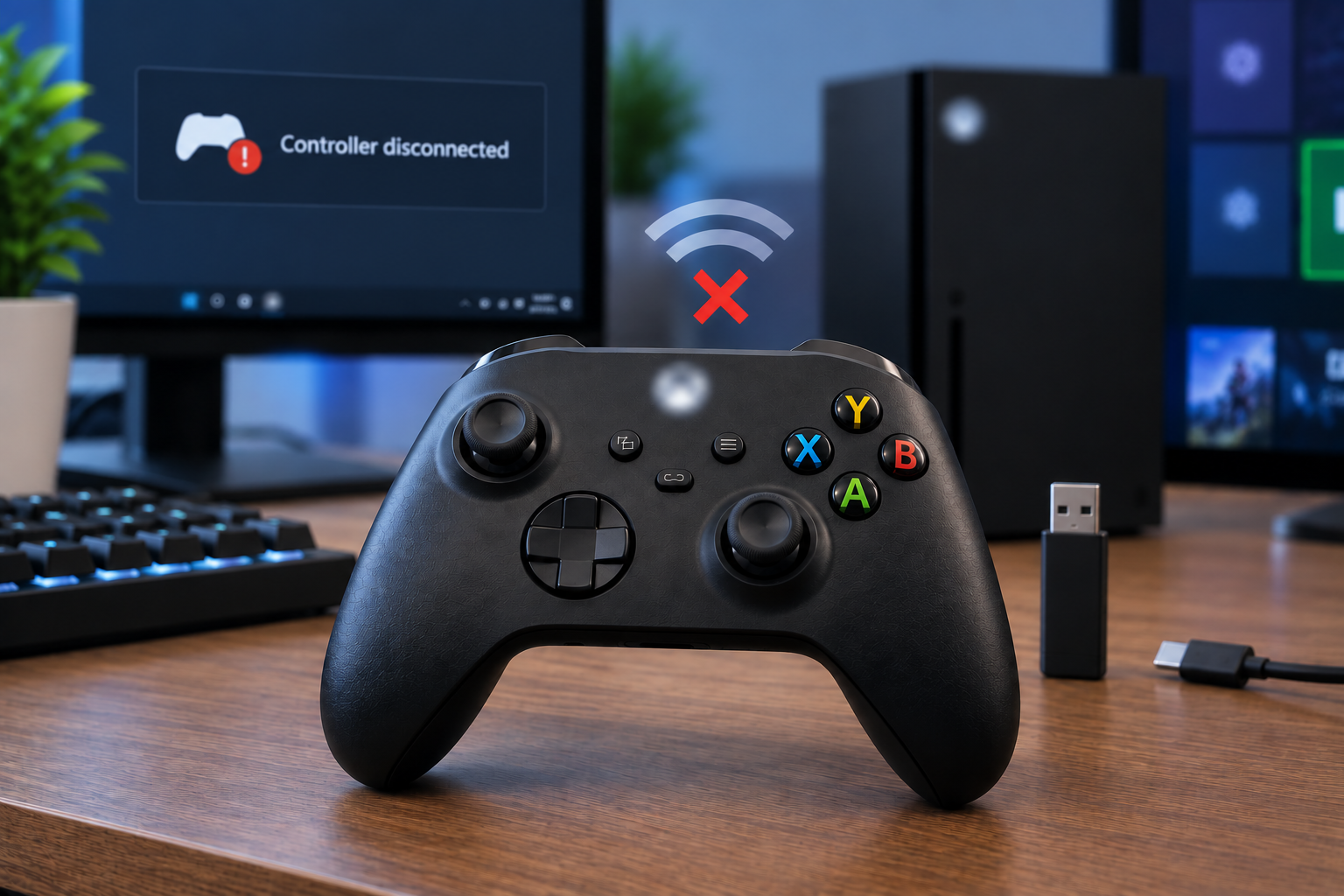
Nothing kills a close match faster than the controller cutting out mid fight, then reconnecting three seconds later while you're already dead. If this happens once, it's annoying. If it happens every session, it usually comes down to one of three things: a weak battery, a Windows power setting quietly cutting the signal, or a firmware bug.
Quick answer: Fresh battery first, always, even if the indicator looks fine. Then the fix splits by platform. On console it's usually a corrupted connection or outdated firmware.
On PC it's almost always a Windows power setting killing your Bluetooth or wireless adapter to save power, buried in Device Manager, not anywhere Xbox related. Fixing the wrong one is why so many people say they "tried everything" and it still happens.
The tricky part is that the actual fix is completely different depending on whether you're on console, PC with Bluetooth, or PC with the official wireless adapter. Most guides lump all three together and hand you the same generic checklist regardless of platform. That's the wrong approach, and it's probably why the fix you already tried didn't stick. Here's what to check for each one, in order.
First, rule out the battery
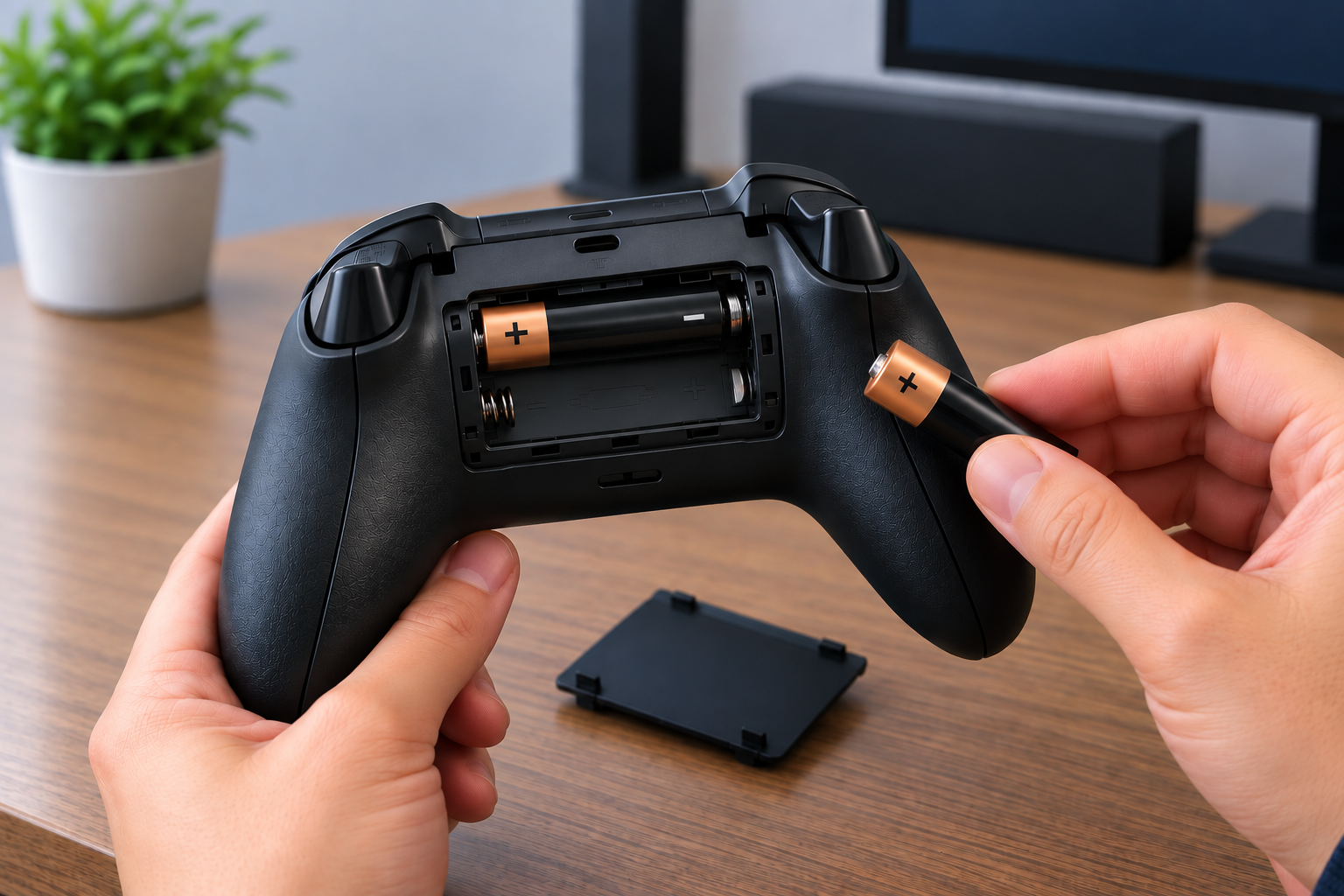
Do this before anything else, even if the battery indicator looks fine. A controller running low on power can disconnect under load, particularly during rumble heavy moments, before the indicator drops to a critical level.
This catches a lot of people off guard, the indicator can sit at one or two bars and look "fine enough" while the controller is actually browning out under sudden power draw. Swap in fresh batteries, or if you're using a rechargeable pack, connect it via USB and give it a full charge before testing again.
If disconnects continue with a fresh battery, the cause is somewhere else, and the fix depends entirely on your platform.
Match the fix to your platform
Console disconnects, Bluetooth disconnects on PC, and Xbox Wireless Adapter disconnects on PC are three separate problems with three separate causes, even though they look identical from the outside. Fixing the wrong one wastes time and often gets blamed on the controller itself when the real cause was never touched.
On console (Xbox Series X|S or Xbox One)
Start with a clean re-sync. Hold the Xbox button on the controller for 6 seconds to power it off fully, then reconnect it using the standard pairing button on the console. A corrupted connection state, where the controller connects and drops repeatedly rather than staying off cleanly, usually clears up after this.
Check firmware next. Go to Profile & System, then Settings, then Devices & Connections, then Accessories, and select your controller to see if an update is available.
This matters more than it might seem: Microsoft shipped a firmware version, 5.23.5.0, in early 2025 that caused widespread disconnection problems for a large number of players, and a later update resolved it. A controller stuck on an old, buggy firmware version can behave exactly like a hardware fault when the actual cause is a known software bug.
Move closer to the console if you're playing at range. The wireless connection is reliable within a normal living room distance, but walls, other electronics, and distance beyond about 20 feet all reduce signal reliability. Thick walls and large metal objects, such as a TV stand or a nearby appliance, cause more signal loss than distance alone, so a controller struggling at 10 feet through two walls can behave worse than one sitting 20 feet away with a clear line of sight.
If none of this resolves it and multiple controllers show the same disconnect pattern on the same console, the issue is more likely the console's wireless receiver rather than any individual controller, which points toward a support ticket or repair rather than more troubleshooting on your end.
On PC over Bluetooth
This is where most people get stuck, because the cause here has almost nothing to do with the controller itself. Windows aggressively manages power to save battery on laptops, and that includes Bluetooth radios, which get treated the same way a rarely used peripheral would.
Open Device Manager, expand Bluetooth, right click your Bluetooth adapter, and open Properties. Go to the Power Management tab and uncheck "Allow the computer to turn off this device to save power."
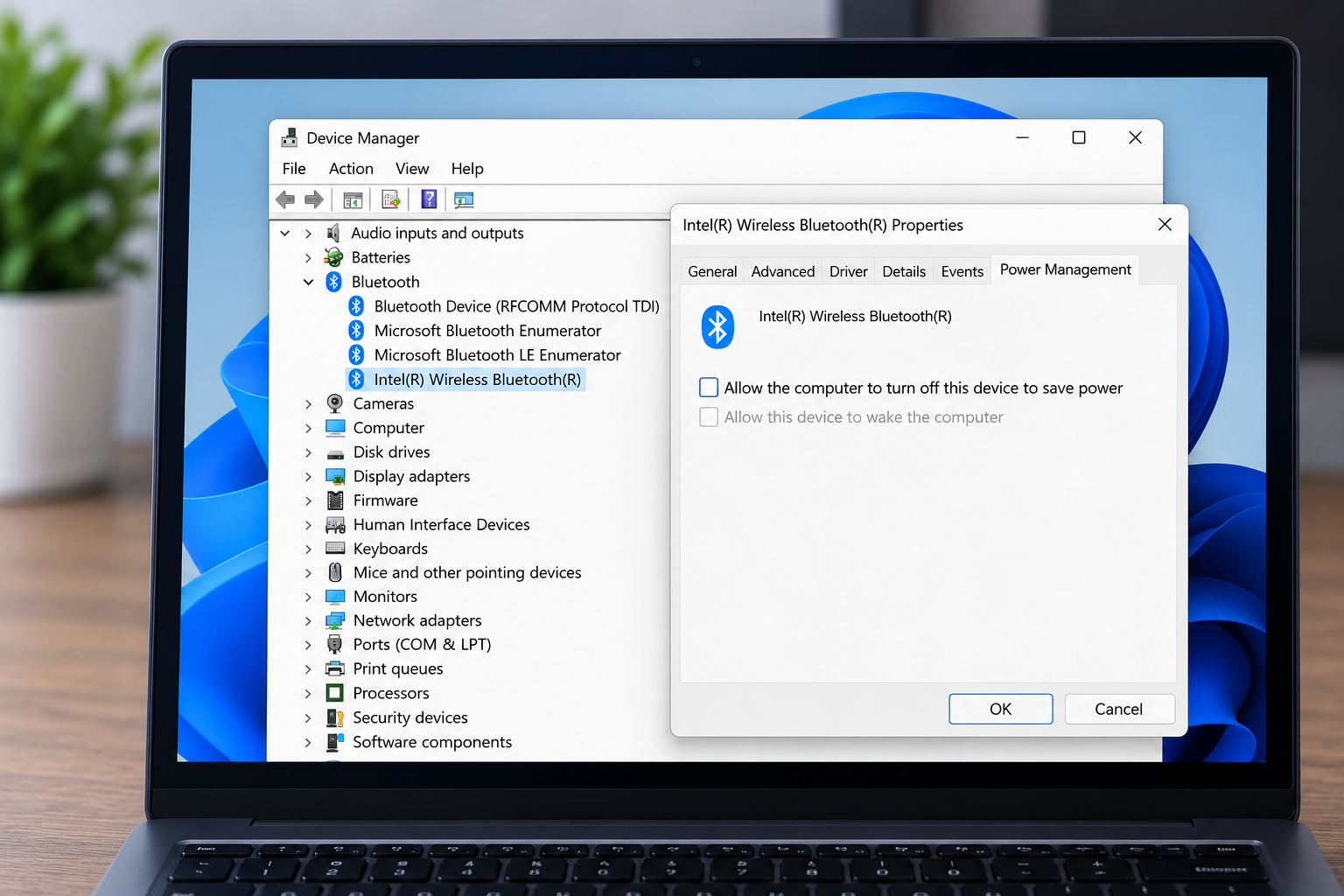
This single setting accounts for a large share of PC disconnection reports, and it's rarely mentioned in official troubleshooting steps because it's a Windows setting, not an Xbox one. One thing worth knowing before you assume it's fixed for good: a driver update or a Windows update can silently re-check this box without telling you, so if disconnects come back weeks later after everything worked fine, check this exact setting again before assuming something new broke.
Wireless interference is the second most common cause on PC. Routers, other Bluetooth devices, USB 3.0 ports and hubs, and anything broadcasting on the 2.4GHz band sitting close to your PC can knock the connection out repeatedly.
USB 3.0 in particular is a known but rarely mentioned source of interference, because some USB 3.0 controllers radiate noise directly in the 2.4GHz range that Bluetooth also uses. Plugging a USB Bluetooth adapter into a USB 2.0 port, or using a short extension cable to move it away from other ports, often clears up interference that no amount of driver updating will fix.
Pairing data itself can also get corrupted over time, especially if the controller has been paired with multiple devices. Removing the device entirely from Windows Bluetooth settings and re-pairing from scratch clears stale pairing data that a simple reconnect does not touch.
On PC with the official Xbox Wireless Adapter
This is a different piece of hardware from Bluetooth, and it needs its own fix. The same Device Manager power setting applies, but you'll find the adapter under Network Adapters instead of Bluetooth. Right click "Xbox Wireless Adapter for Windows," open Properties, go to Power Management, and uncheck the same "allow the computer to turn off this device" box.
If the adapter driver is outdated or corrupted, disconnects can happen even with the power setting fixed. Reinstalling the driver, either through Windows Update or directly from Microsoft's support page, resolves this more often than people expect.
When it's not any of the above
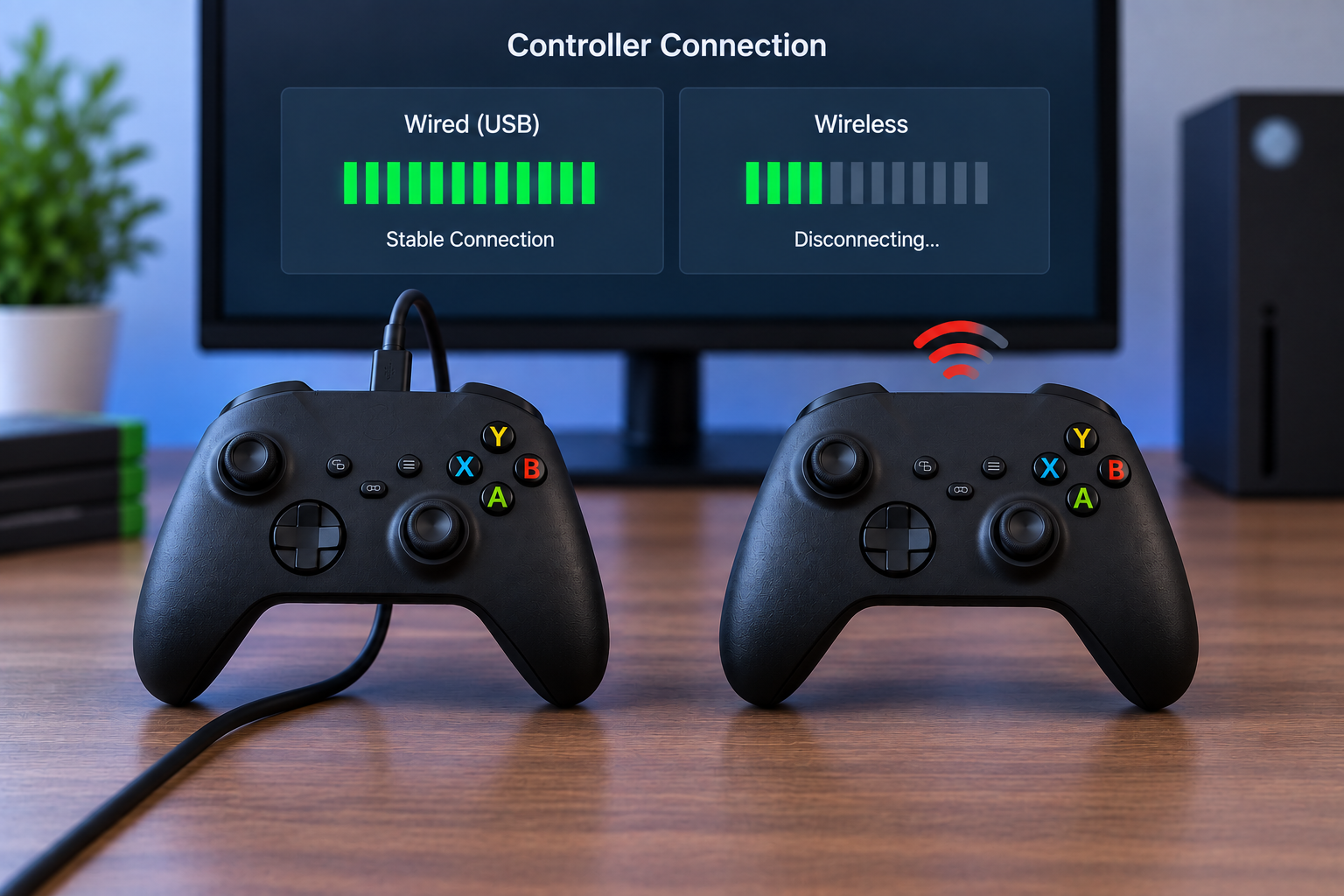
If you've replaced the battery, fixed the power management setting, updated firmware, and disconnects still happen, plug in over USB-C directly. This removes wireless entirely from the equation and gives you a stable, zero dropout connection while you keep troubleshooting, or as a permanent fix if wireless simply won't cooperate.
A wired connection is also the more reliable way to check whether the wireless module in the controller itself has failed. Test the same controller wired for an extended session. If it holds a stable connection wired but keeps dropping wirelessly no matter what you've tried, the wireless hardware inside the controller is the likely point of failure, not your PC or console setup.
Running a polling rate check wired versus wireless makes this easier to confirm than guessing from feel alone. A wireless connection that shows inconsistent or throttled polling compared to a clean wired reading points toward a hardware or interference problem rather than something a driver update will fix.
Quick reference
| Platform | Most common cause | Fix |
|---|---|---|
| Console | Corrupted connection state | Full re-sync, hold Xbox button 6 seconds |
| Console | Outdated firmware | Update via Devices & Connections menu |
| PC, Bluetooth | Windows power management | Uncheck "allow to turn off" in Device Manager |
| PC, wireless adapter | Adapter power setting or driver | Same power fix, plus driver reinstall |
| Any platform | Wireless hardware failure | Confirm with a wired connection test |
Common questions
Does this happen more with newer Xbox controllers? Not specifically. Disconnection issues are usually tied to firmware, power settings, or interference rather than the controller's age or generation.
Will a firmware update fix this permanently? It fixes bugs that Microsoft has identified and patched, including the widespread 5.23.5.0 issue from early 2025. It won't fix a Windows power setting or genuine wireless hardware failure, so it's one piece of a larger checklist rather than a guaranteed cure.
Is Bluetooth or the official wireless adapter more reliable? The official adapter is generally more consistent for gaming because it's built specifically for the controller's protocol rather than general Bluetooth handling, but both are affected by the same Windows power management setting if it isn't disabled.
I fixed the power setting and it still disconnects. What now? Reinstall the Bluetooth or adapter driver from scratch rather than relying on Windows Update alone. A partially corrupted driver can keep the old power behavior even after the setting looks correct in Device Manager. If that doesn't help, remove the paired device completely and pair it again as new, which clears stale connection data a simple reconnect leaves behind.